In Fynd CORE, your avatar is your digital representation in the virtual world and how others will see you during a session.
To change your avatar, open the home menu and tap the Edit button.
Browse through the available avatars by swiping, then tap the one you want to use.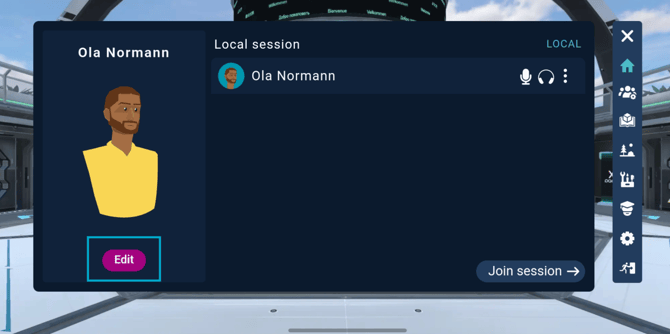
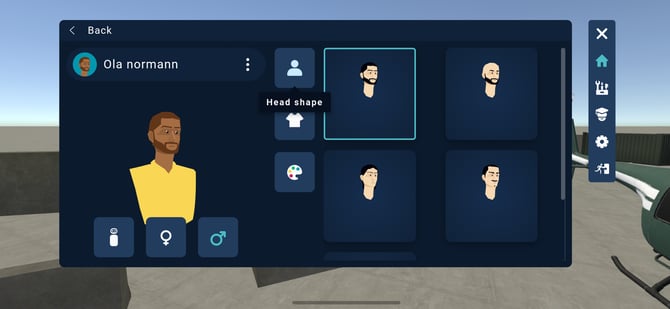
From here, you can personalize your avatar by adjusting:
- Gender
- Head shape and hairstyle
- Clothing
- Skin color