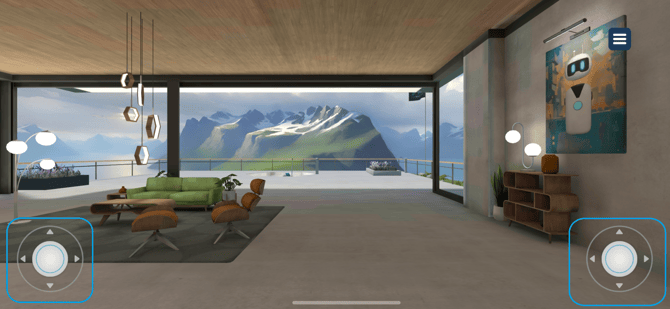
On mobile, you can navigate the scene using the on-screen joysticks.
The left joystick controls movement. You can move freely in any direction, including forward, backward, sideways, as well as up and down.
The right joystick controls your view. Drag your finger on it to look around and adjust your perspective.
Simply slide your thumb or finger on each joystick to move and look around intuitively.